Skip to content
Rythmelia

For companies, shops and frontline teams

On Monday morning, everyone knows who works, where and when.

Publish the week's schedule, follow clocked hours and hand out tasks. Rythmelia replaces the spreadsheet, the photo of the board and word-of-mouth instructions.

Free during the beta, every module included

The manager publishes the week, everyone finds it on their phone

The problem

Fewer tools. More visibility.

In many teams, organization relies on a pile of tools and habits. Every piece of information exists somewhere, just never in the right place.

Rythmelia brings scheduling, tasks, contacts, knowledge and coordination into a single space. Everyone knows what to do, and managers keep the big picture.

  • Scattered schedules

    Spreadsheets, photos of whiteboards and last-minute messages.

    With Rythmelia: One schedule, always up to date and shared with the whole team.

  • Forgotten tasks

    Verbal instructions, sticky notes and follow-ups that slip through.

    With Rythmelia: Tasks that are assigned, dated and tracked to completion.

  • Scattered information

    Contacts, procedures and documents spread across several tools.

    With Rythmelia: Contacts, procedures and documents gathered in one place.

  • Limited visibility

    Managers and teams don't work from the same information.

    With Rythmelia: A shared view of who does what, when and where.

  • Fragmented communication

    Messages lost between texts, emails and group chats.

    With Rythmelia: Everyone is notified in the application when their schedule is published or changed.

Scheduling

Scheduling built for real-world work.

Split shifts, last-minute absences, positions to cover: Rythmelia helps you build a reliable schedule, spot problems before they happen and keep everyone informed effortlessly.

See the module
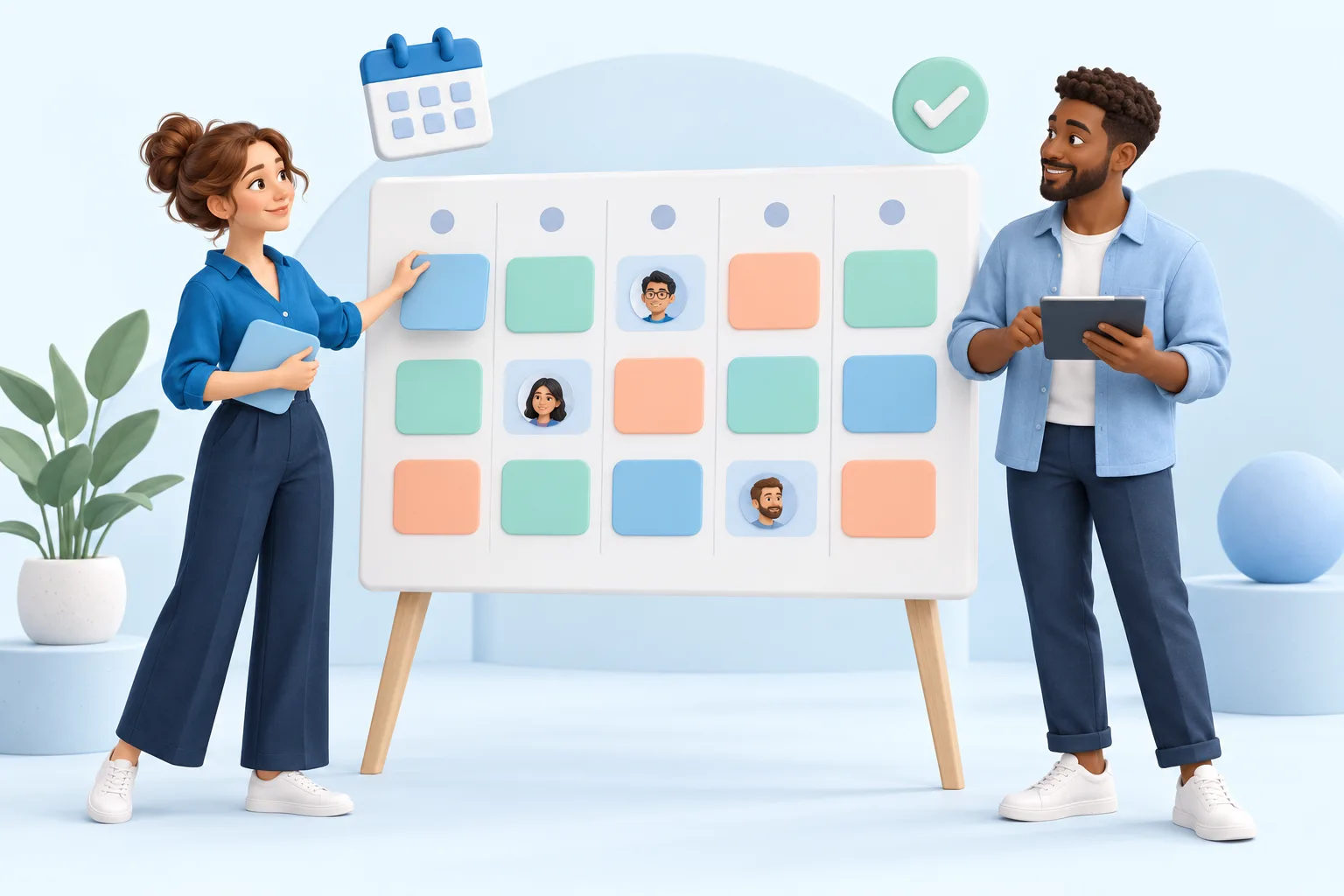
Two colleagues organize their team’s shifts together on a colorful schedule.

Organize

  • Day, week and month views
  • By employee or by position
  • Drag-and-drop shifts

Anticipate

  • Declared unavailability
  • Absences and time off
  • Replacement requests

Stay in control

  • Scheduled hours per employee
  • Scheduling conflicts
  • Uncovered shifts

Share

  • Checks before publishing
  • In-app notification
  • PDF and Excel export

How to create a team schedule: read the guide

Beyond scheduling

The rest of the week, in the same tool.

The schedule says who is working. The other modules say what was done, what is left and where to find the information.

Time tracking

The team clocks in at a kiosk, you validate the week.

  • A tablet or PC on site acts as the kiosk: PIN, badge or QR code.
  • Each day is compared with the schedule: late arrival, early departure, extra time.
  • Validated days export to an Excel workbook.
See the module : Time tracking
An employee holds her badge near a check-in terminal as she arrives at work.

Tasks

Tasks move from column to column.

  • Six views: Kanban, list, table, calendar, timeline and summary.
  • Every task has an owner, a priority and a due date.
  • Comments, attachments and recurrence on the task itself.
See the module : Tasks
Two colleagues move their tasks forward on a Kanban board with colorful columns.

CRM

Today's follow-ups, with nothing forgotten.

  • Organizations, contacts and interaction history in one place.
  • The “Follow-ups due” and “At risk” views sort what needs action.
  • Opportunities move from “Identified” to “Won”, and the business agenda shows what comes next.
See the module : CRM
Two professionals shake hands, surrounded by connected contact cards.

Knowledge base

The procedure is one search away.

  • Write a document or import a PDF, as a draft and then published.
  • Each base is open to the whole team or restricted to certain roles.
  • Each publication creates a new version of the document.
See the module : Knowledge base
Two colleagues look at a tablet in front of a large open book and shared documents.

Features

Six modules, active from the day you sign up.

Each module works on its own. Use the one you need; the others stay within reach.

Scheduling

Build the week by employee or by position, check it, then publish it.

Core module

Time tracking

An on-site kiosk, a PIN, a badge or a QR code. Clocked hours are compared with the schedule.

Tasks

Kanban, list or calendar. Every task has an owner, a priority and a due date.

Projects

Group tasks by project, with its objectives, dates and members.

CRM

Organizations, contacts, interactions and opportunities, with the follow-ups due.

Knowledge base

Write your procedures or import a PDF. Each base is open to the roles you choose.

Also included

  • Several sites, on requestYour organization starts with one site. We switch on multi-site when you need it.

  • Several organizationsOne person can belong to several organizations and move between them without logging in again.

  • Roles and audit logThree starting roles: owner, manager, user. Sensitive actions are logged.

Solutions

A platform that adapts to your organization.

Whatever your size or industry, Rythmelia fits the way you work.

  • Companies

    Coordinate departments, teams and projects around a shared organization.

  • Retail stores

    Match staffing to opening hours, departments and peak times.

  • Pharmacies

    Organize counter, dispensing and on-call duty while meeting staffing rules.

  • Frontline teams

    Give everyone their hours, assignments and up-to-date instructions.

  • Multi-site networks

    One schedule and one team per site, in the same organization. Multi-site is switched on at your request.

  • Service providers

    Schedule on-site work and track the activities delivered to your clients.

Pricing

Free during the beta.

Every module is included, with no limit on employees. Here is also what the beta does not include yet.

Free

Current plan

€0/ month

The six modules to organize your team day to day.

Get started for free

Included

  • Day, week and month scheduling
  • Kiosk clock-in and clocked hours
  • Tasks in Kanban, list and calendar
  • Projects
  • CRM and business agenda
  • Knowledge base
  • Roles and audit log

Not available yet

  • Importing an existing schedule
  • A dedicated mobile app (the site already works on a phone)
  • Email or SMS notifications
  • Adding a second site without going through us

How setup works

  1. You create your account: your organization and its first site are created with it.
  2. You invite your employees by email and give them a role.
  3. You define your positions, then build the first week.

A question during setup? You write to our team, and our team answers. Contact us

Trust

Why trust us?

Handing over how your team is organized calls for guarantees. Here are our commitments, and where to check them.

  • Data hosted in France

    The application and your data are hosted by OVHcloud, on servers located in France.

    See our host
  • Your data belongs to you

    It is never sold. You keep your rights of access, rectification, erasure and portability (GDPR).

    Read the privacy policy
  • No advertising trackers

    The site uses no advertising cookies and no tracking tools. No banner to accept.

    Our cookie policy
  • A team you can reach

    Questions about setup or your data? You talk directly with our team.

    Contact us

Let's talk it through.

Book a demo or get in touch with us directly.

FAQ

Frequently asked questions.

All resources
How do I create a staff schedule with Rythmelia?

Define the positions and hours to cover, then assign shifts around your team’s absences and unavailability. Day, week and month views help you review assignments. When you publish, Rythmelia lists the conflicts and uncovered shifts to fix.

Can we share the team schedule online?

Yes. Once the schedule is published, each employee concerned receives a notification in the application and finds their up-to-date hours, on a computer or on a phone. Email and SMS notifications are not available yet.

Is Rythmelia free?

Yes. During the beta, Rythmelia is free and the six modules are included: scheduling, time tracking, tasks, projects, CRM and knowledge base.

Does Rythmelia support time tracking?

Yes. The team clocks in at a kiosk set up on a tablet or PC on site, with a PIN, a badge or a QR code. You find clocked hours day by day, compared with the schedule, and export validated hours to Excel.

Can we manage multiple sites?

Yes, on request. An organization starts with a single site; we switch on multi-site when you need it, then you create your other sites yourself. Separately, one person can belong to several organizations and move between them without logging in again.

Who is Rythmelia for?

Rythmelia fits companies, retail stores, pharmacies, frontline teams, multi-site networks and service providers: any team that needs to organize schedules, tasks and shared information.

How do I get started?

Create your free account with the “Get started free” button, then follow the getting started guide in the resources section.

How long will Rythmelia stay free?

Rythmelia is free until the end of its beta, with every module included.

Where is our data hosted?

Rythmelia data is hosted in France by OVHcloud.

Can employees check their schedule on mobile?

Yes, the schedule can already be viewed on mobile. The mobile experience is being improved, and a dedicated mobile version is in preparation.

Can we import an existing schedule?

Not yet. Importing an existing schedule is not available for now.

How many employees can we add?

There is no limit for now: you can add as many employees as you need during the beta.

Better organization starts here.

See how Rythmelia can simplify your team's day-to-day.